
Remote behaviour
Review focus states, movement rules, cursor-style navigation, and TV interaction patterns.
TV Studio replaces static OTT design handoff with a live product model: real simulation, AI-assisted component creation, scenario coverage, and automatically generated delivery artefacts.
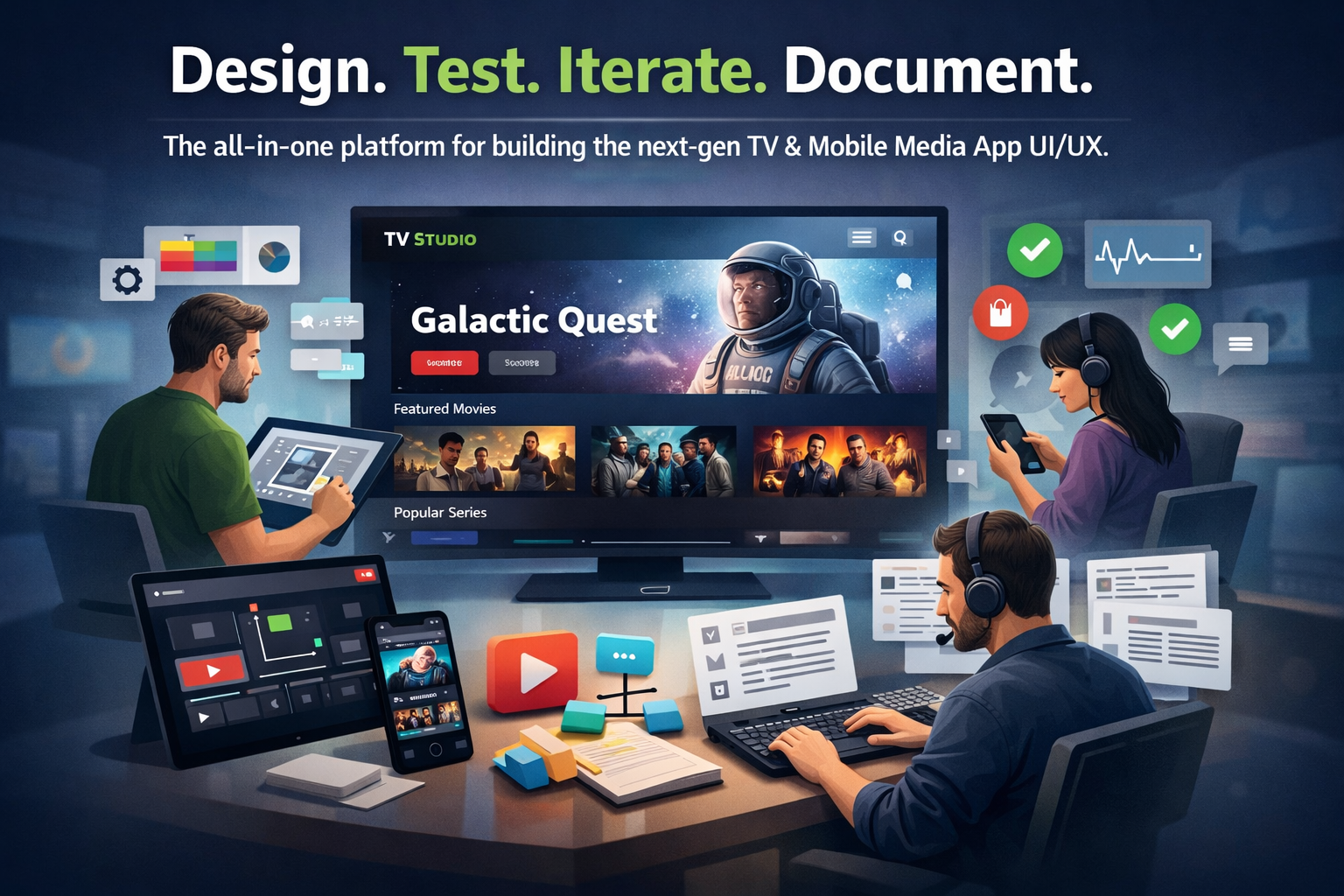
TV product teams need to judge focus movement, D-pad navigation, overlay timing, content density, subscription gates, account states, and rails as they will actually behave. TV Studio brings those decisions into a working simulator before a sprint starts.
Review focus states, movement rules, cursor-style navigation, and TV interaction patterns.
Configure content rows, card templates, hero surfaces, metadata, and live channel presentation.
Test subscribed, lapsed, new, anonymous, profile, account, login, and registration states.
Export live captures, stakeholder wireframes, blueprints, manifest data, and implementation notes.
TV Studio's AI builder creates project-local card and component variants from safe system templates. Product and design teams can explore new treatments quickly while engineering still receives a stable data contract and traceable design object.
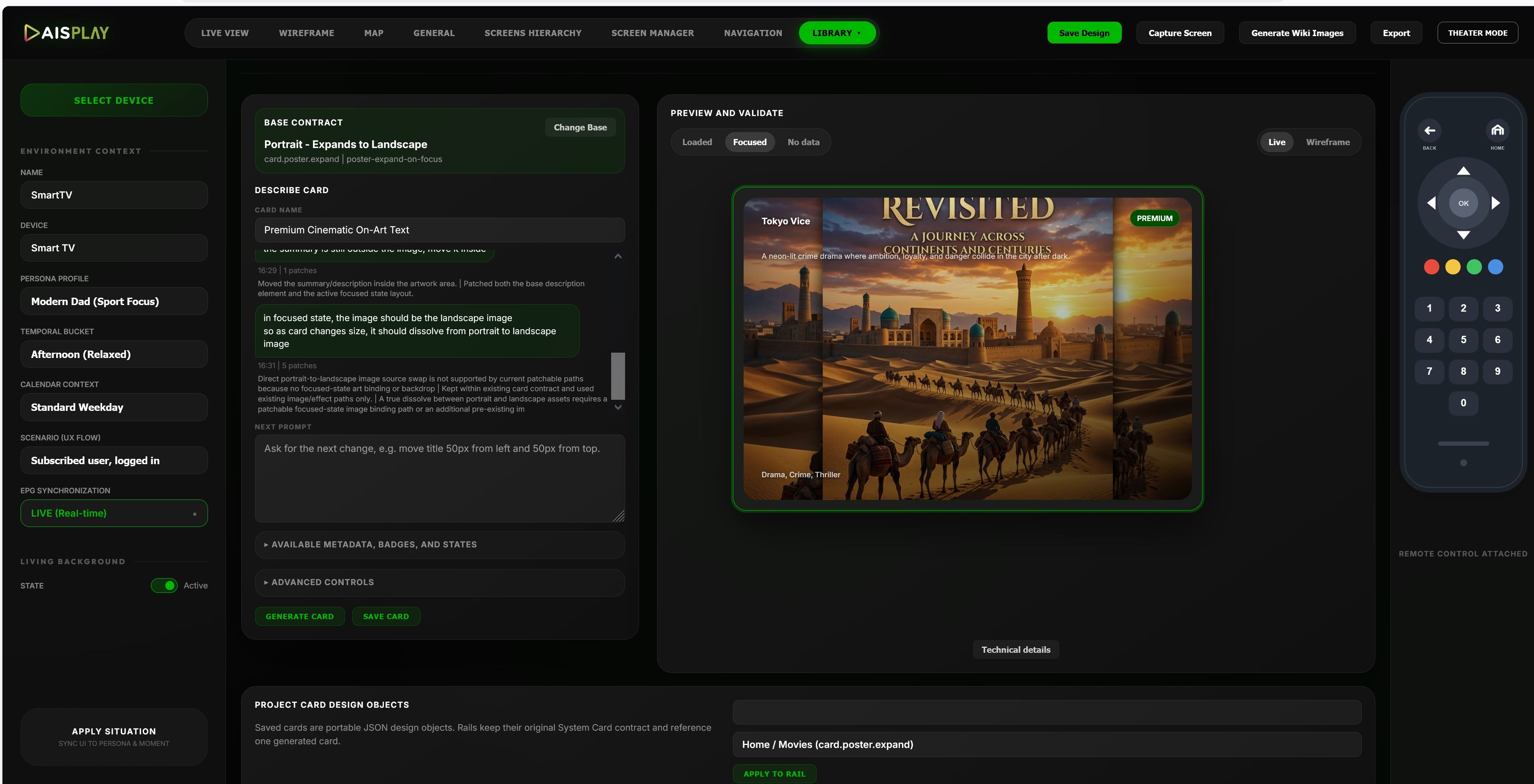
Organise projects by target device and experience type. Live View shows the interface as it will appear on the target surface, with interaction controls that let teams inspect the experience directly.
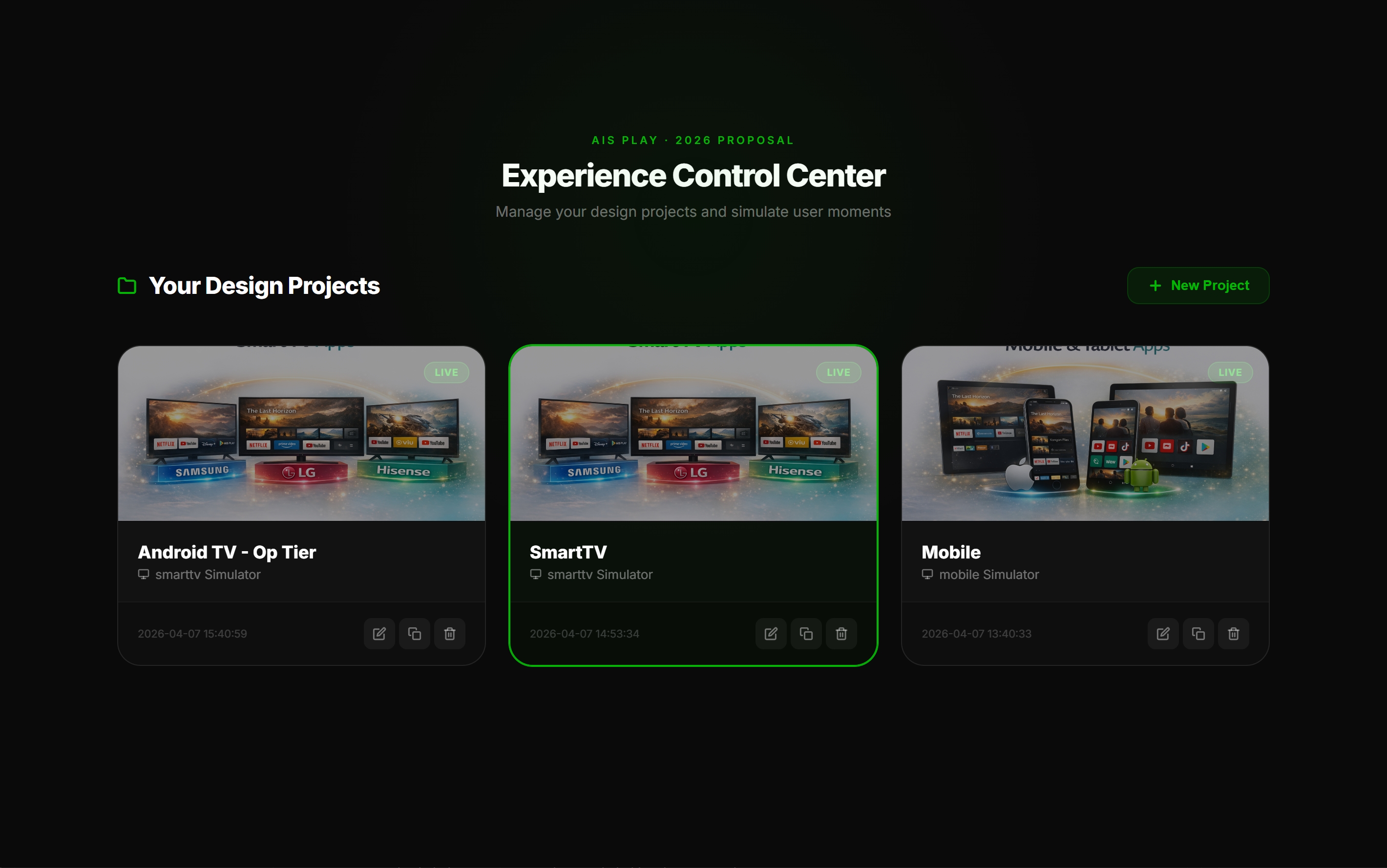
Define the product structure: screens, rails, ordering, navigation menus, hero placement, browsing behaviour, and content grouping. Teams can compare product directions without waiting for a full app build.
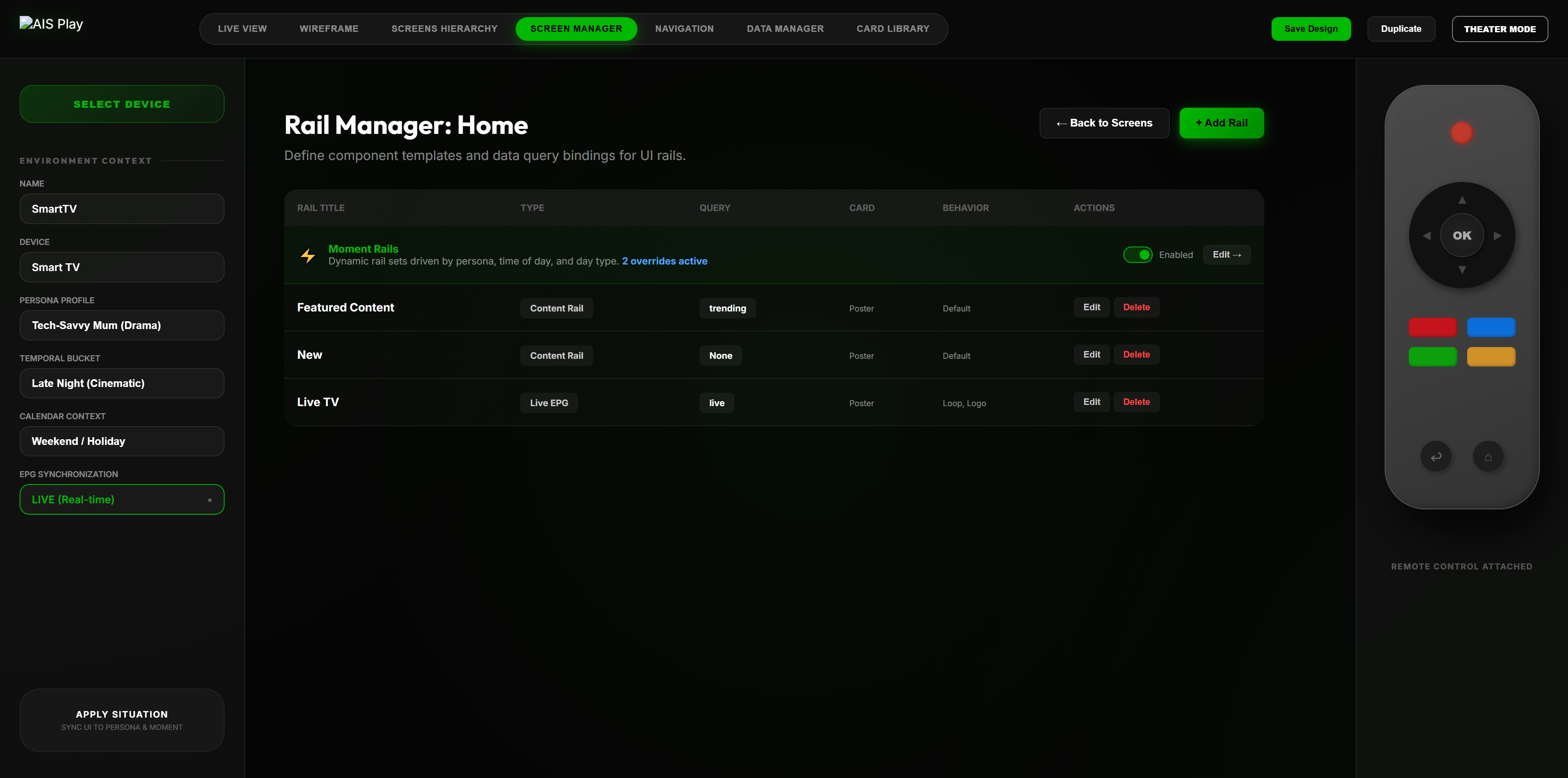
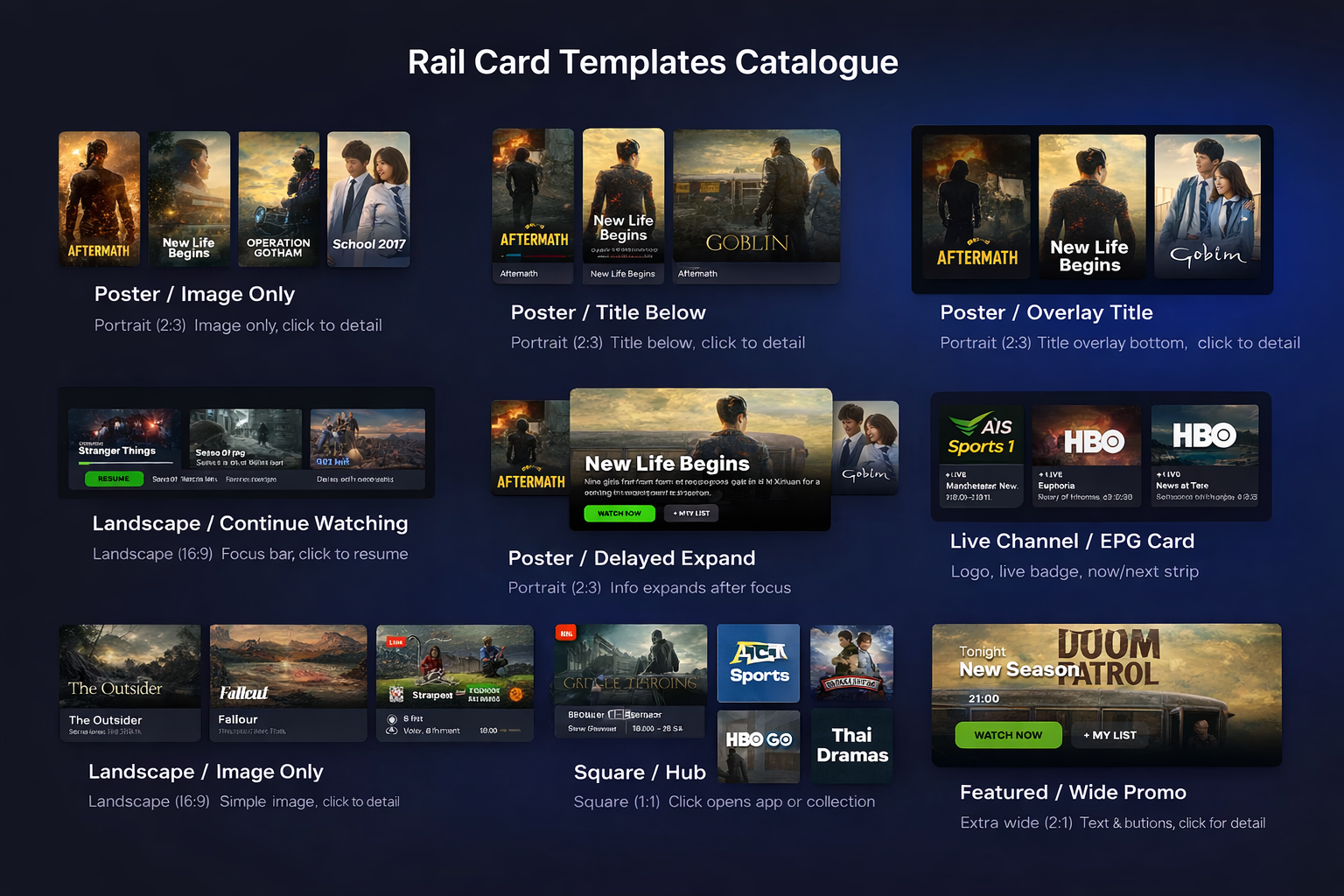
Start from broadcast-quality card templates for portraits, landscape thumbnails, wide promos, live channel rows, square hub tiles, and EPG cards. Extend them with AI while preserving real renderer constraints.
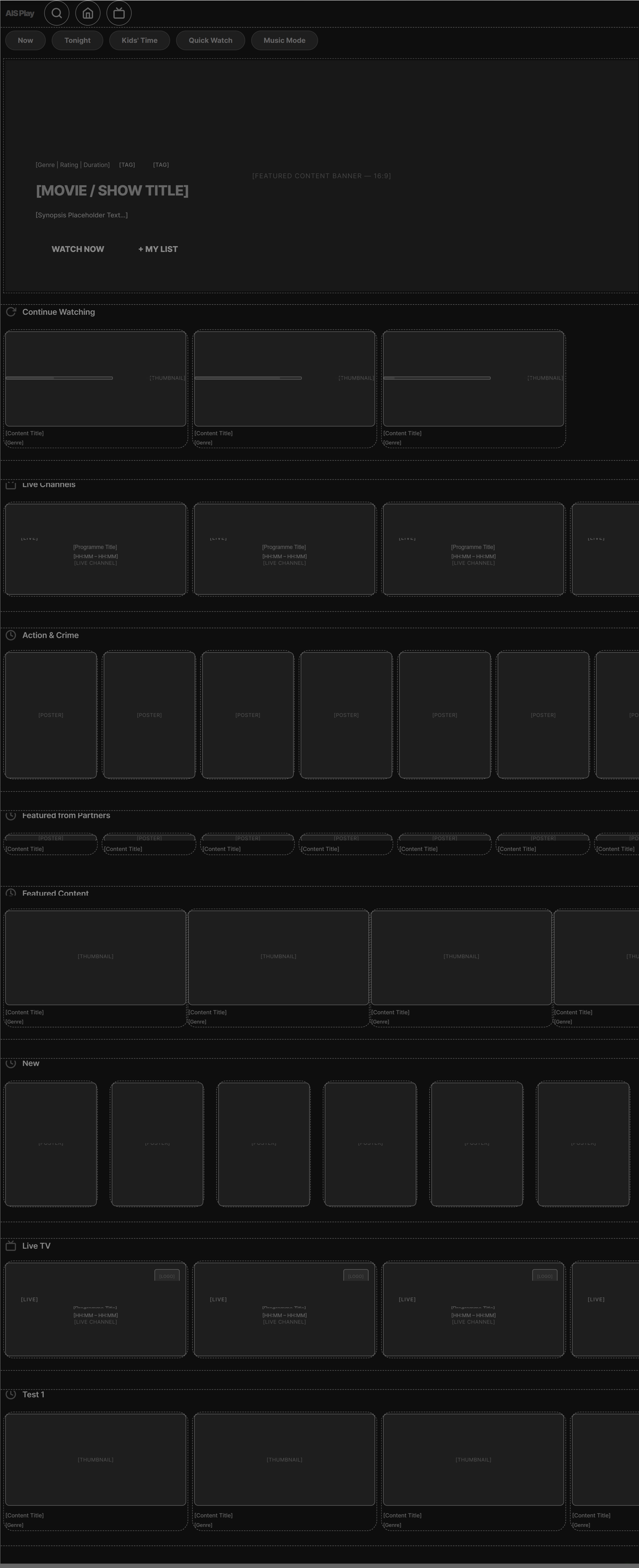
Switch from live presentation to stakeholder wireframe or developer blueprint. Review structure, labels, component boundaries, and data-key references without creating separate documents by hand.
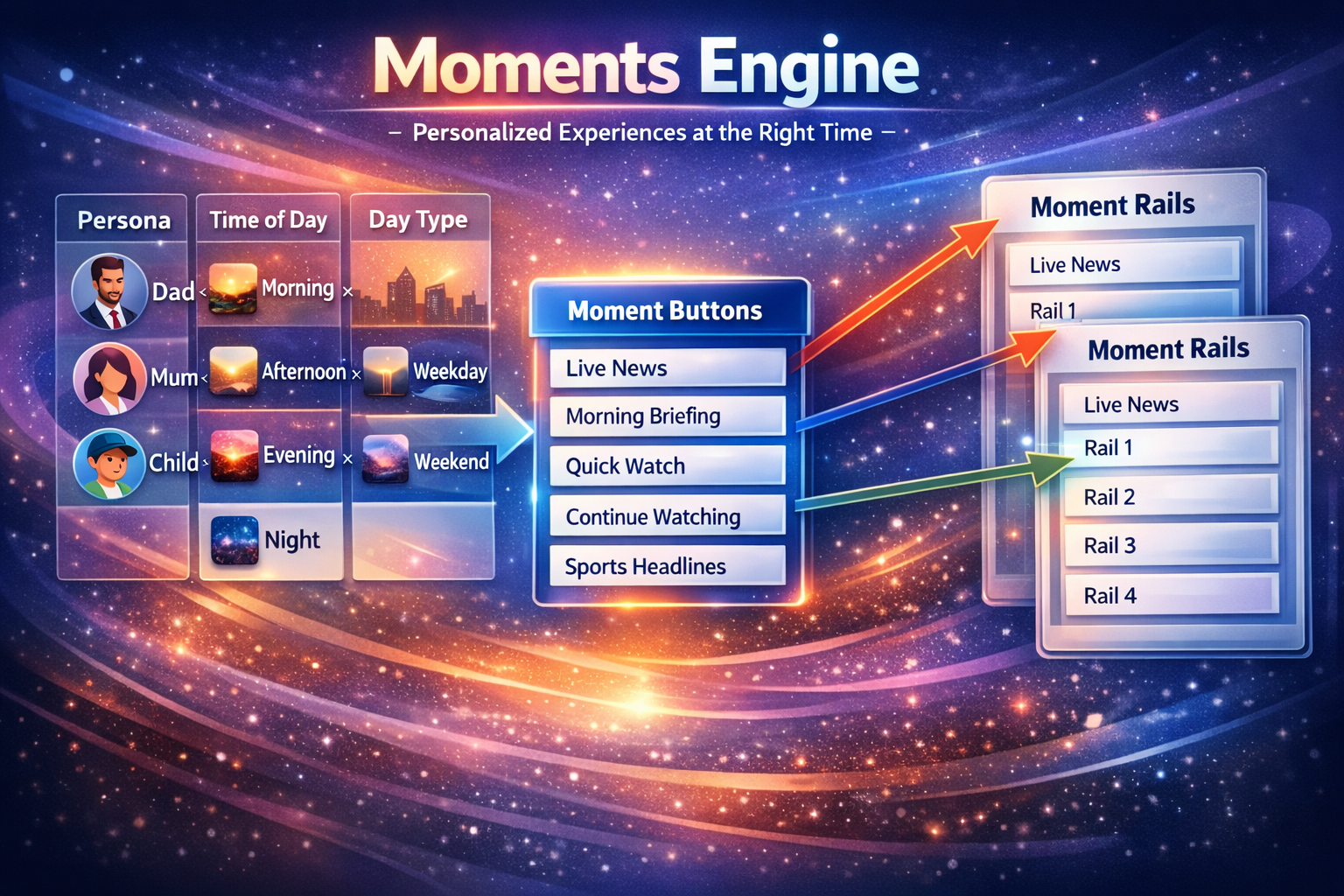
Model experience changes by persona, time of day, viewing context, and subscriber state. Review which rails, CTAs, and flows should appear for different moments before the product logic is implemented.
TV Studio captures the decision record as artefacts developers and QA can use: live images, wireframes, blueprints, flow maps, scenario captures, manifests, component references, and implementation notes.
Rendered simulator captures showing the intended product experience.
Greyscale structure views for alignment and sign-off.
Component outlines, labels, and data-key references.
Coverage for account, login, subscription, profile, and playback-gate states.
More ideas, better UX decisions, faster review cycles.
Product direction validated on the actual experience surface.
Cleaner handoffs, fewer rework cycles, clearer implementation constraints.
Exploration cost moves from large rebuilds into reusable product tooling.
Bring a screen, a redesign idea, a product problem, or a current handoff package. We will show how the same work looks as a live, testable product model.